If you bill by the hour, your time tracking software decides how much of your work you actually get paid for. The right one is quick to start, catches the time you forget, and turns your hours into an invoice.
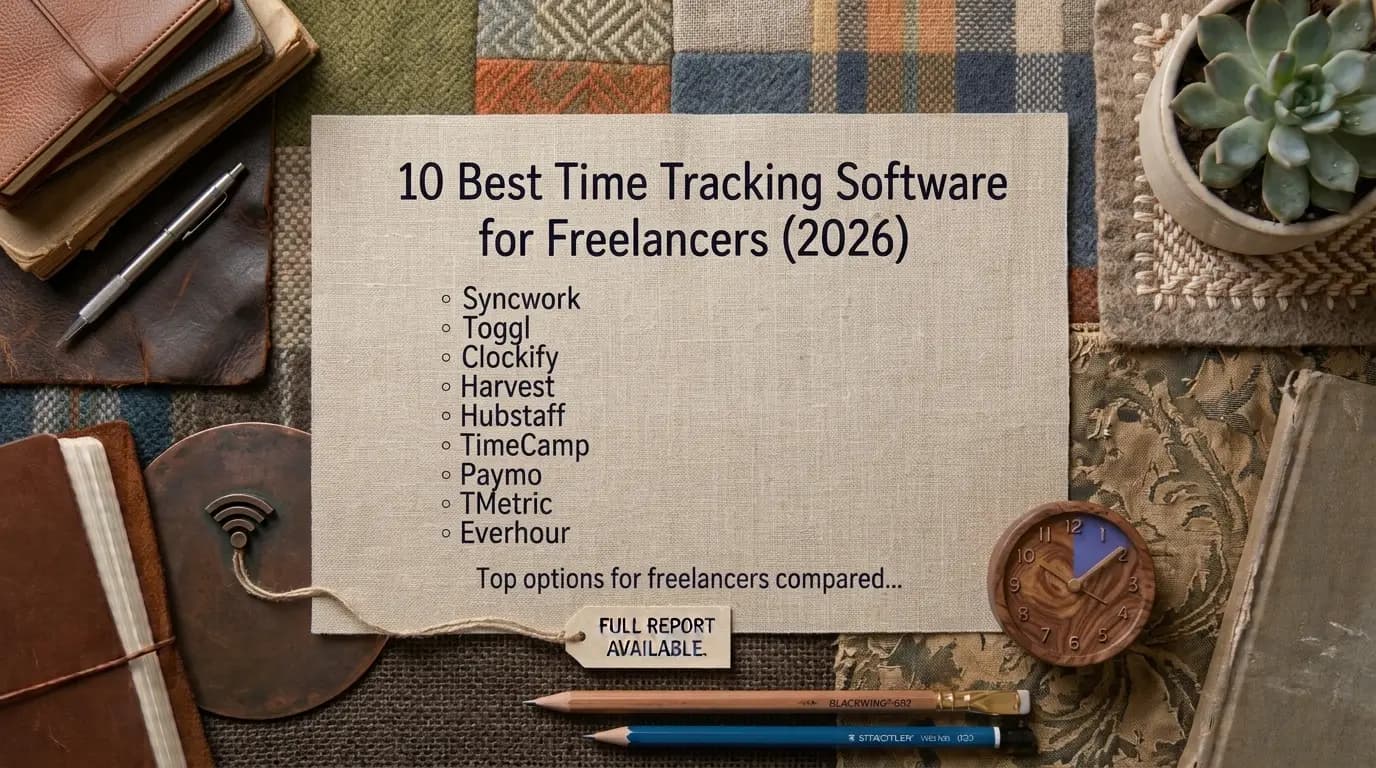
This guide compares 10 time tracking apps that freelancers use, from free timers to full freelance business suites. We make Syncwork, so we list it first and say plainly where the others are stronger. Prices are for November 2026, and they change often, so confirm on each vendor's site before you buy.
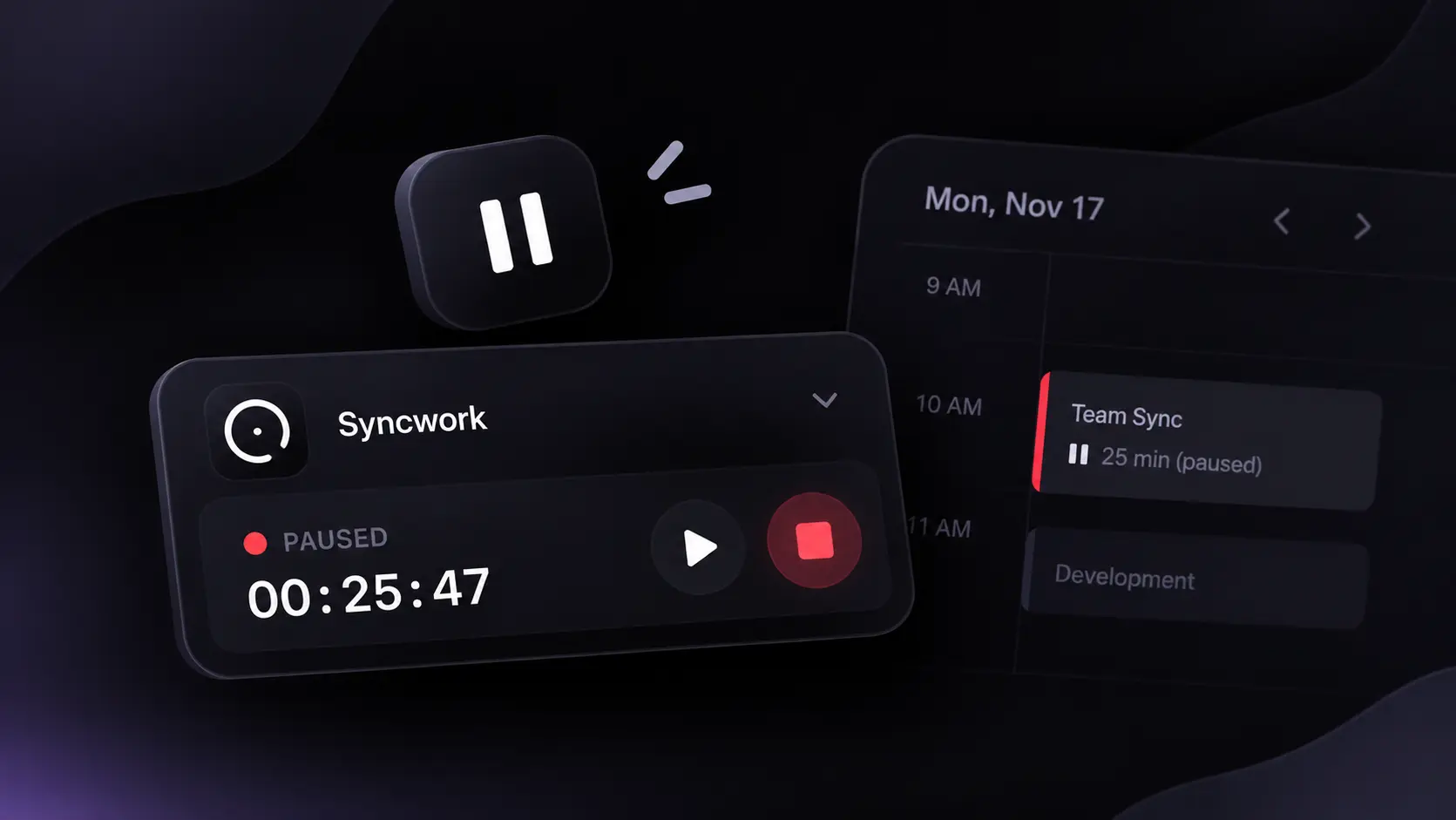
The short version: most trackers charge extra for the two things freelancers need most, invoicing and profit reports. Syncwork puts both on one $4.79 plan, backed by a free desktop app that tracks offline and keeps a private record of what you actually worked on.
Start your free 14-day Syncwork trial (no card required) or see how time tracking works in Syncwork.
The 10 best time tracking apps for freelancers at a glance
| Tool | Free plan | Paid plans from | Invoicing |
|---|---|---|---|
| Syncwork | 1 seat, unlimited projects and clients | $4.79 per seat per month (annual) | Premium plan, plus a free manual invoice generator |
| Toggl | Up to 3 users | $9 per user per month (annual) | Basic PDF invoices from reports |
| Clockify | Up to 5 users, 1-month report range | $3.99 per seat per month (annual) | Standard plan and above |
| Harvest | 1 seat, 2 projects | $9 per seat per month (annual) | Yes, but restricted to only 1 active person & 2 projects |
| Hubstaff | 1 seat, limited | $4.99 per seat per month (annual), 2-seat minimum | Starter plan and above, limited on free |
| TimeCamp | Unlimited users and projects | $3.99 per user per month (annual) | Starter plan and above |
| Paymo | Yes, with limits | $5.90 per user per month (annual) | Yes, including the free plan |
| TMetric | Up to 2 users, unlimited projects and clients | $5.83 per user per month (annual) | Professional plan and above |
| Everhour | Yes, for small teams | $6 per user per month (monthly billing), 2-user minimum | Paid plans |
| FreshBooks | No free plan (free trial) | $20.70 per month, flat per account (annual) | Yes, on every plan |
What it costs to get invoicing and profit reports
Free plans and entry prices only tell half the story. Freelancers usually need to invoice from tracked time and see which clients are profitable, and that is where the tiers split. Here is the cheapest plan that includes both for the four tools whose pricing we verified directly with the vendor (annual billing, per seat per month):
| Tool | Plan you need for invoicing + profit reports | Price |
|---|---|---|
| Syncwork | Premium (both included) | $4.79 |
| Clockify | Pro (invoicing starts at Standard, profit reports at Pro) | $7.99 |
| Harvest | Enterprise (profitability reporting) | $14 |
| Toggl | Premium (profitability reports) | $16 |
Invoicing and profit reports are the features that decide whether a tracker pays for itself. Of the tools above, Syncwork gets you both for the least.
Which one should you pick?
- Best for invoicing and profit reports at a low price: Syncwork. One Premium plan covers both, and the desktop app is free.
- Best free plan for a small team: Clockify (up to 5 users), then Toggl (up to 3).
- Best free plan with no user or project cap: TimeCamp.
- Best free invoicing for one person: Harvest or Paymo, if their free-plan limits are enough.
- Best if you also want accounting: FreshBooks.
- Best if you work inside Asana, ClickUp or Trello: Everhour.
- Best for bigger teams that need planning and capacity tools: Toggl.
1. Syncwork
Why freelancers pick Syncwork:
- One low price for the full workflow. Invoicing, profitability reports and exports all sit on Premium at $4.79 per seat per month.
- A desktop app that keeps your timesheet honest. It tracks offline, handles idle time and recovers a timer after a shutdown.
- A private activity record. It shows which apps and files you used, and it never leaves your device.
- Built for one person. A solo freelancer pays for one seat, with no seat minimum.
Syncwork is built around a lightweight desktop app (about 10 MB) that shows what you actually did, not just that time passed. It works offline, asks you what to do with idle time, recovers a timer if your PC shuts down, and records which apps and files you used. That activity record is private and stays on your device.
- Free plan: free forever, 1 seat and 1 workspace, with unlimited projects and clients. The desktop app is free on every plan.
- Premium: $4.79 per seat per month billed annually ($5.49 monthly). It adds invoicing, profitability reports, shareable live reports and XLSX, CSV and PDF exports.
- Trial: 14 days, no card required.
Best for: freelancers and small agencies who work at a computer all day and want to track time, invoice and see profit in one place.
Watch out for: invoicing from tracked time is on Premium, not on the free plan, and the free plan is for one person. You can still make invoices by hand with the free invoice generator, no account needed.
2. Toggl
Toggl, still widely known as Toggl Track, is a polished and popular tracker with a free plan for up to 3 users. Its desktop apps on Windows and Mac track which apps and websites you use, and it supports idle detection and offline tracking.
- Free plan: up to 3 users.
- Paid plans: Starter is $9 per user per month on annual billing ($12 monthly). Premium is $16 ($24 monthly) and adds labor costs, profitability reports, timesheet approvals and SSO.
- Trial: 30 days.
- Add-ons: time off management ($2 per user) and capacity management ($5 annual, $6 monthly per user) cost extra.
Best for: freelancers and teams that want planning and capacity features, or a well-known tool with a large user base.
Watch out for: invoices are basic PDFs made from reports, which you download rather than send from the app (Starter can send them to QuickBooks). Profitability reports need the Premium plan, and the add-ons raise the price for teams that use them. See the full Syncwork vs Toggl Track comparison.
3. Clockify
The Clockify time tracking app has one of the most generous free plans in this list: up to 5 users. It has a wide set of features, and each one sits on a specific tier.
- Free plan: up to 5 users, with a 1-month report range, PDF-only exports and no billable rates.
- Basic: $3.99 per seat per month on annual billing ($4.99 monthly). It adds billable rates, CSV and Excel exports, shared report links and time audits.
- Standard: $5.49 per seat per month on annual billing ($6.99 monthly). It adds invoicing, time off, approvals and recurring invoices.
- Pro: $7.99 ($9.99 monthly). It adds activity monitoring, labor cost and profit reporting, scheduling and expenses.
- Enterprise: $11.99 ($14.99 monthly), with SSO and audit logs.
Best for: small teams that want a free plan with room to grow, and need features like scheduling and time off.
Watch out for: you need Basic for billable rates and exports, Standard for invoicing, and Pro for profit reports. Every active user also needs a paid seat. See the full Syncwork vs Clockify comparison.
4. Harvest
Harvest has been popular with freelancers for years, mainly because of how well it handles invoicing. Even the free plan includes invoicing and expense tracking.
- Free plan: 1 seat and 2 projects.
- Teams: $9 per seat per month on annual billing ($11 monthly), with team reporting and accounting and payment integrations.
- Enterprise: $14 ($17.50 monthly), with profitability reporting, unlimited custom reports and timesheet approvals.
- Trial: 30 days.
Best for: solo freelancers with one or two clients who want invoicing from day one.
Watch out for: the two-project cap on the free plan, custom reports capped at 4 below Enterprise, and usage-based fees for additional invoices, projects and clients on paid plans. See the full Syncwork vs Harvest comparison.
5. Hubstaff
Hubstaff is built around work monitoring. It records activity levels and takes screenshots, and it is popular with teams that need proof of work for clients or employers.
- Free plan: one seat only, with limited clients and invoices, 100 screenshots a month and no app or URL tracking.
- Starter: $4.99 per seat per month on annual billing ($7 monthly), with client invoices and limits on screenshots and clients. Paid plans have a 2-seat minimum, so a solo freelancer pays at least $9.98 a month.
- Grow: $7.50 per seat per month on annual billing, adding idle timeout, project budgets and expenses.
- Trial: 14 days, no card required.
Best for: freelancers who need to show clients proof of work with activity levels and screenshots.
Watch out for: the screenshot and app limits on lower plans, and the 2-seat minimum on paid plans, which means a solo freelancer pays for two seats.
If you only need honest hours and a clean invoice, you don't need screenshots. Try Syncwork free for 14 days, no card required.
6. TimeCamp
TimeCamp's free plan has no cap on users or projects, and it includes the desktop app, automatic tracking with keywords and idle time tracking.
- Free plan: unlimited users and projects.
- Starter: $3.99 per user per month on annual billing ($5.49 monthly), adding invoicing, attendance, time off and Excel export.
- Premium: $6.99 ($9.99 monthly), adding billable time, budgets and app and website tracking.
- Ultimate: $9.99 ($13.99 monthly).
Best for: freelancers and small teams who want a free plan with no limits on projects, and cheap invoicing on the first paid plan.
Watch out for: billable time needs Premium, so you pay more to track billable and non-billable work separately.
7. Paymo
Paymo combines time tracking with project management and invoicing. It suits freelancers who want tasks, projects and billing in one place.
- Free plan: includes time tracking and invoicing, with limits on clients and projects.
- Starter: about $5.90 per user per month on annual billing ($9.90 monthly).
- Small Office: about $10.90 ($15.90 monthly).
- Business: about $16.90 ($23.90 monthly).
Best for: freelancers who manage tasks and projects alongside their time.
Watch out for: Paymo is more of a project management tool than a pure timer, so it has more to learn than a simple tracker.
8. TMetric
TMetric is a simple time tracker with unlimited projects and clients on the free plan and a timer button that works inside 50+ web apps.
- Free plan: up to 2 users, with time tracking, unlimited projects and clients, and reports.
- Professional: about $5.83 per user per month on annual billing ($7 monthly), adding billable rates, budgets and invoicing.
- Business: about $7.50 ($9 monthly), adding app and site usage and screenshots.
Best for: freelancers who want a simple timer that works inside the other web tools they use.
Watch out for: the free plan stops at 2 users, invoicing needs a paid plan, and reviewers note that its invoices have limited customization.
9. Everhour
Everhour is a time tracker built to sit inside project tools like Asana, ClickUp and Trello, so you can start a timer from a task.
- Free plan: for small teams, with unlimited time tracking and projects.
- Lite: about $6 per user per month, with a 2-user minimum.
- Team: about $8.50 per user per month on annual billing ($10 monthly), with a 5-user minimum.
Best for: freelancers and small teams who already manage their work in a project tool.
Watch out for: the user minimums (2 on Lite, 5 on Team) mean a solo freelancer pays for more seats than they use, and it is designed more for teams than for solo freelancers.
10. FreshBooks
FreshBooks is accounting software with time tracking built in. It suits freelancers who want invoicing, expenses and payments in one tool.
- Lite: $20.70 per month on annual billing ($23 monthly), flat per account, with unlimited invoices, time tracking and expense tracking for up to 5 billable clients.
- Plus: $38.70 per month annual ($43 monthly), for up to 50 billable clients, with recurring billing and proposals.
- Premium: $63 per month annual ($70 monthly), with unlimited billable clients and project profitability.
- Extra team members: about $11 per user per month.
- Free plan: none, but there is a free trial.
Best for: freelancers who want accounting and invoicing first, with time tracking as one part of it.
Watch out for: the client limits on lower plans, and the cost, which is higher than the pure time trackers in this list.
How to choose time tracking software
- Check the free plan limits first. Seats, projects and clients decide whether the free plan works for you past the first month.
- Decide if you need invoicing in the same tool. If you bill by the hour, it saves re-entering hours. If not, a simple timer may be enough.
- Look at when profit reports unlock. Knowing which clients make you money is often on the highest tier.
- Test the desktop app. Offline tracking, idle detection and timer recovery are what keep your timesheet honest.
- Add up the real cost. Multiply the per-seat price by your team size, and check for add-ons, usage fees and seat minimums.
Not ready to commit? Try the free invoice generator or the free timesheet generator. No account needed.
Our recommendation
If you are a solo freelancer who needs a free tool with invoicing for a couple of projects, start with Harvest or Paymo. If you want a free plan for a small team, start with Clockify, Toggl or TimeCamp.
If you work at a computer all day, want your hours backed up by a private activity record, and want invoicing and profit reports on one low-priced plan, Syncwork is the one to pick. Try it free for 14 days, no card required.
Every tool here has a free plan or a free trial, so run two of them for a week on real work and compare your timesheets.
FAQ
Ready to try it?
Start your free Syncwork trial, or download the desktop app. Questions before you switch? Talk to us.