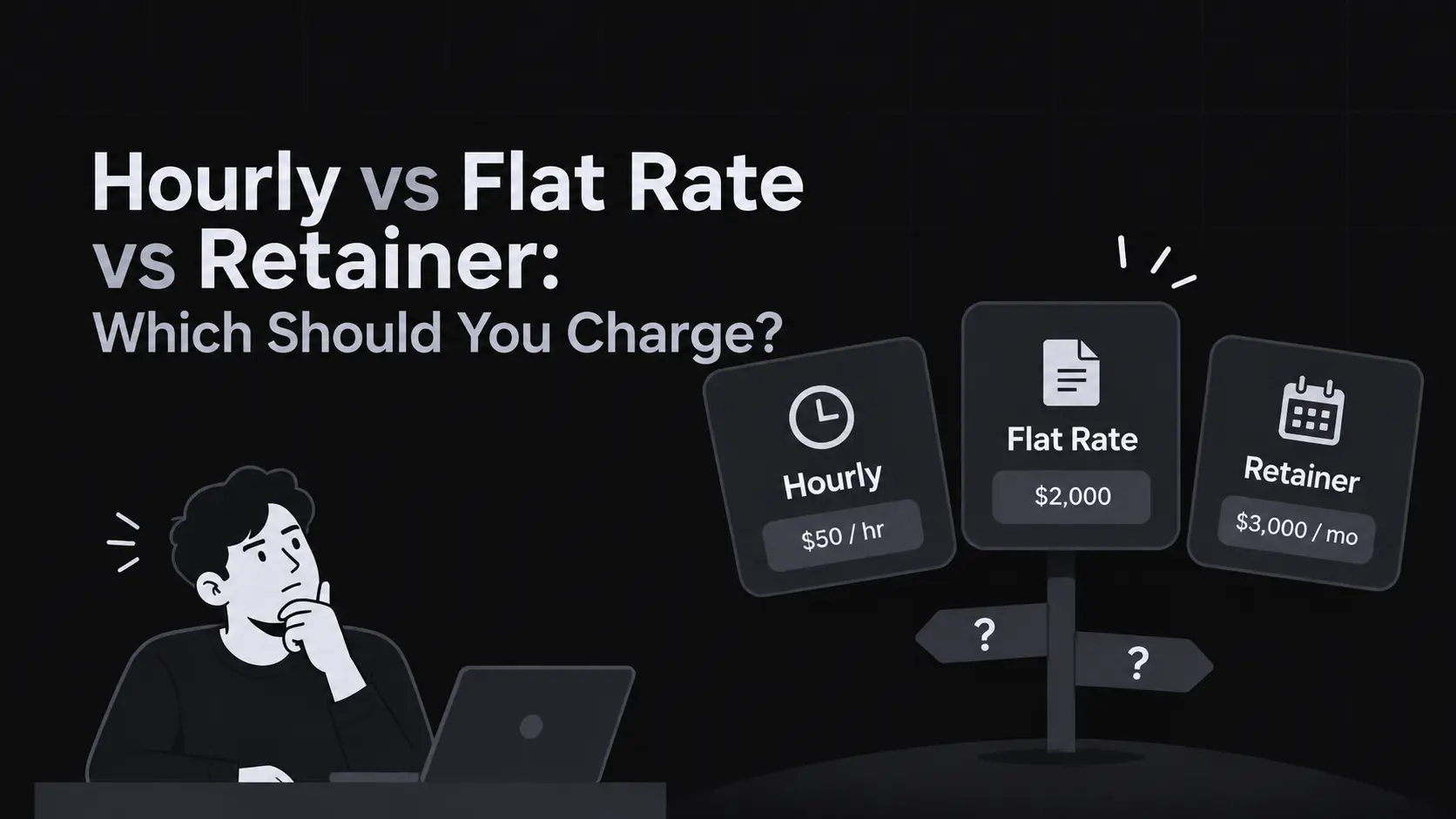
Should you charge by the hour, quote one flat price, or offer a monthly retainer?
Most freelancers start with hourly because it's the easiest to explain. Then a project drags on, a client keeps asking for "one more small thing", and the hourly rate you thought you were earning turns out to be much lower.
No pricing model wins every time. Each one fits a different kind of work and a different kind of client. This guide shows how hourly, flat rate and retainer pricing work, where each one loses money, and how to pick the right one.
The short answer
- Hourly: use it when you can't yet say what the work involves.
- Flat rate: use it when you can list exactly what's included.
- Retainer: use it when a client needs you every month.
Plenty of freelancers use all three, sometimes with the same client at different stages. In one survey of digital agencies, 42% mainly charged hourly, 34% charged per project and 18% used retainers (Promethean Research, via Agiled).
Hourly rate: simple, but it caps your income
With hourly pricing you charge for the time you work. Clients understand it, and it's fair when nobody knows how big the job is. Bug fixes, exploring a new project and brand-new clients are good fits.
The catch is that you only get paid for billable hours, and you have fewer of those than you think. Say you want $100,000 in take-home pay. After $25,000 for taxes, health insurance and retirement, plus $15,000 in business costs, you need to bring in about $140,000. If 60% of a 1,920-hour working year is billable (1,152 hours), that's about $122 an hour, before any invoice goes unpaid.
These are example numbers, so try your own with the hourly rate calculator.
Where does the other 40% of your time go? Proposals, admin, invoicing and marketing. It's unpaid work every freelancer has to do, and it's often estimated at 30% to 40% of the week.
Hourly pricing has two more problems:
- You earn less as you get faster. Finish in 5 hours what used to take 10 and your invoice is cut in half, even though the client got the same result.
- Clients watch the clock. Short emails and quick questions start to feel expensive, so clients ask fewer of them. Rounding makes it worse. Forty four-minute emails are about 2.7 hours of real work, but billed in 15-minute blocks they become 10 hours. Track your exact time and tell clients how you round before you start.
Flat rate: you keep the upside, and the risk
A flat rate is one price for a defined piece of work, like a website, a logo or an audit. Clients like knowing the cost up front, and you earn more when you work faster.
The risk is scope creep. Take a 40-hour job at $150 an hour. That's a $6,000 quote. If the job grows by 40% and takes 56 hours, you've earned about $107 an hour for the same price.
A simple fix is to add a buffer when you quote. Many freelancers add 20% to 30% to their hour estimate to cover revisions and slow feedback. With a 25% buffer the quote becomes $7,500, and even after 56 hours you'd still earn about $134 an hour.
A few lines in your contract protect you:
- List what's included, and what isn't.
- Cap revisions at two or three rounds.
- Require a written change request for anything extra, with a price.
- Ask for a deposit of 25% to 50% before you start.
Still track your time on flat-rate jobs. It's the only way to know whether the price matched the work.
What is a retainer?
A retainer is a fixed amount a client pays you every month to keep you available for ongoing work. There are two common kinds:
- Hours bank. The client buys a set number of hours each month. For example, $5,000 a month for about 40 hours, which works out to $125 an hour.
- Deliverables or access. The client buys a set output, such as four articles a month, or priority access to you for advice.
What you get is income you can plan around and less time spent hunting for new work. Money also arrives sooner. Picture a $12,000 job over 60 days. A retainer paid half up front and half on day 30 means your money arrives on day 15 on average. Billing hourly at the end of each month, with a client who pays about 27 days after the invoice, pushes that to around day 72. For more on getting paid faster, see the best way to get paid as a freelancer.
Research hints that retainers pay off, but treat it as a hint. In a 2026 survey of digital agencies, retainer-led firms averaged a 16% net margin compared with about 13% for hourly ones (Promethean Research, via Agiled). A 2025 freelancer survey cited by Webflow Jobs found that freelancers with retainer clients earned 35% more a year than those with only projects. Both numbers come from vendor-cited surveys, and experience may explain part of the gap, so they don't prove that retainers cause higher pay.
Where retainers go wrong
The danger is scope drift. Say a $5,000 retainer is meant to cover 40 hours. If you spend 50 hours, you earn $100 an hour. At 65 hours, it drops to about $77 an hour. One 2025 survey of US agencies found that 57% lose between $1,000 and $5,000 a month to scope creep (Ignition).
Set the rules before you start:
- Say exactly what the fee covers: hours or deliverables.
- Bill at the start of the month, not the end.
- Decide what happens to unused hours. Many freelancers use "use it or lose it", so the retainer stays a reservation of your time rather than a bank account the client can drain later.
- Bill extra work separately.
- Review the rate once a year, and give 30 to 60 days' notice of any change.
How much should you charge? Some advisers suggest adding 10% to 15% to your normal rate, because you're selling reserved time and quick replies. Older advice says to give a discount for a long commitment. There's no rule, but don't undercharge just because the client is committing.
If you're moving an existing hourly client to a retainer, don't divide last year's invoices by 12. That hides busy seasons and all the emails and calls you never billed. Track everything for a few months first, include the admin time, then propose a three-to-six-month trial.
How to choose
- Hourly when the scope is unclear, the client is new, or the work is small ongoing fixes.
- Flat rate when the deliverables are clear and repeatable, like audits, launches and standard packages.
- Retainer when the work is ongoing, like support, content, SEO or advice.
- A mix when you need both. Charge a flat fee for the project and bill hourly for anything outside it, or add hourly overage to a retainer.
A common path with a new client looks like this. Start with a small paid project or hourly work to learn how big the job really is. Move to a flat fee once you know. Offer a retainer when the work becomes ongoing.
What about AI?
AI is changing which model feels fair. If a task that took 40 hours now takes 20, hourly billing cuts a $6,000 invoice to $3,000. A flat fee stays at $6,000, and your effective rate doubles to $300 an hour.
Clients notice too. In a June 2026 AgencyAnalytics survey, 30% of agencies said clients saw their work as worth less because they assumed AI cuts costs. Charging for the result instead of the hours helps, but you'll need to explain the value clearly.
Track your time whichever model you pick
Time tracking isn't only for hourly work. On hourly jobs it's your proof. On flat-rate jobs and retainers it shows your real hourly rate, so you know whether the price still works.
A simple routine:
- Make one project per client or per retainer.
- Track every task, including admin you don't bill for.
- Check your hours at the end of each month against what you planned.
If a retainer keeps running over, you'll have the numbers for an honest conversation with the client. And if a client questions your hours, here's how to prove them.
Syncwork tracks your time by app and project, shows it in reports, and turns it into an invoice when you're ready to bill.
Find out what you really earn per hour
Start tracking for free. The free plan has no time limit, so you can test it on real client work.
Want to see how it works first? Explore time tracking. Not sure what rate to charge? Try the hourly rate calculator. Something missing? Tell us.