An invoice is more than a request for money. It's what your client's accounts team pays from, what a tax authority may ask to see, and the thing that decides how fast you get paid. Miss one required detail and it can get sent back, delayed or rejected.
This guide walks through what to put on an invoice, with a real example, how tax affects what goes on your invoice, and a few habits that get you paid sooner. You can follow along with the free Syncwork invoice generator. No account needed.
And if you bill by the hour, you can skip most of the typing. Start your free 14-day Syncwork trial and turn your tracked time into an invoice with Syncwork invoicing.
What to include on an invoice
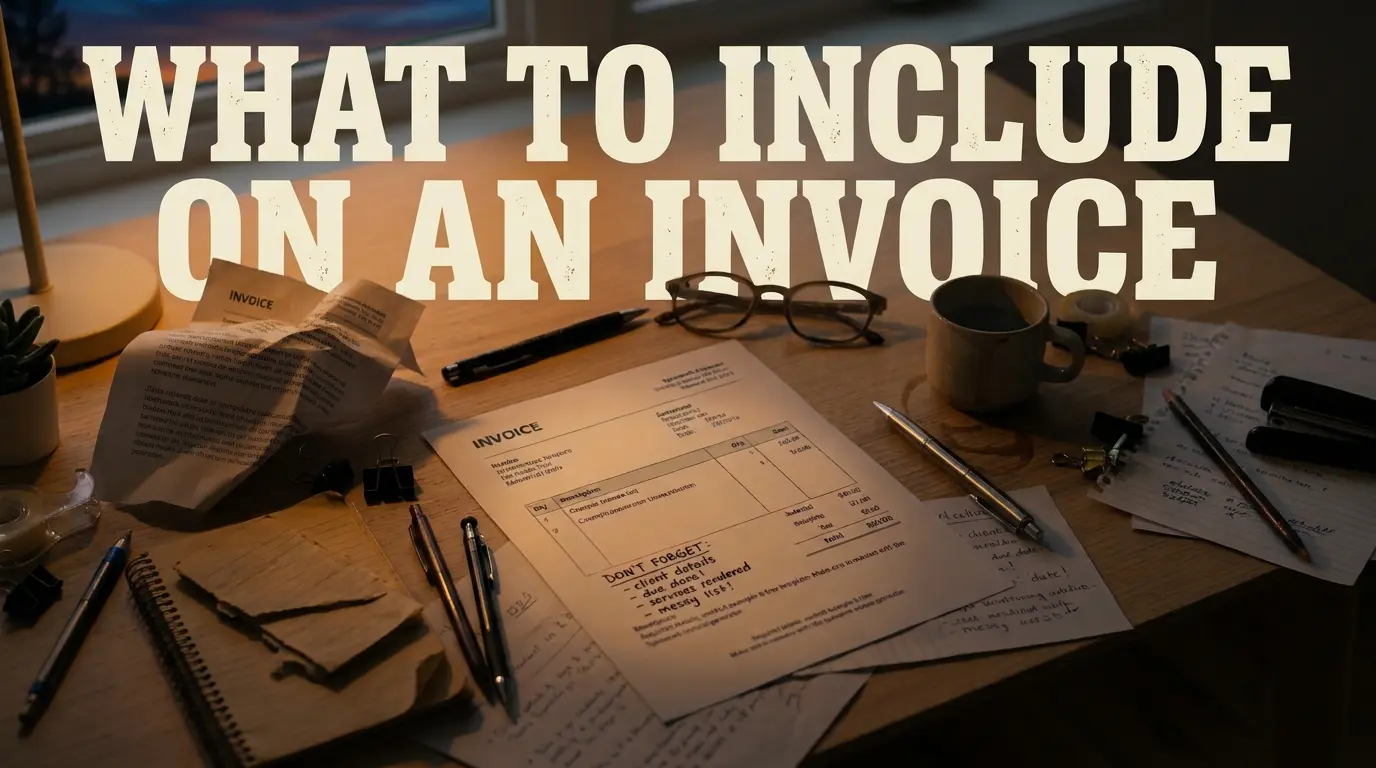
Every invoice needs these ten things:
- The word "Invoice" at the top. If you charge VAT, GST or sales tax, call it a "Tax Invoice". This keeps it from being mistaken for a quote or a receipt.
- A unique invoice number. Never skip or reuse one.
- The issue date. This is when the payment clock starts.
- A due date. Write the real date, not just "Net 30".
- Your details: your name or business name, address, email and phone.
- Your client's details: their legal name and billing address.
- A description of the work. Say what you actually delivered, not just "services".
- Rates, quantities and a subtotal. For example, 10 hours at $85.
- Tax, shown separately, if you charge any. Add your tax ID if you're registered.
- Payment instructions and the total due. Bank transfer, card link, PayPal, whatever you accept.
Two extras help when they apply. One is your client's purchase order (PO) number, which many companies need before they can pay. The other is your tax registration number (EIN, VAT, GST or ABN) in countries that require it.
Invoice fields at a glance
| Field | Required? | Why it matters |
|---|---|---|
| "Invoice" header | Yes | Separates it from a quote, estimate or receipt. |
| Invoice number | Yes, unique and sequential | Gives you and tax authorities an audit trail and prevents double billing. |
| Issue date | Yes | Starts the payment term. |
| Due date | Strongly recommended | Turns "Net 30" into a specific deadline. |
| Your details | Yes | Shows who is being paid, for tax records and vendor setup. |
| Client details | Yes | Lets your client claim the expense. |
| Description of work | Yes | Justifies each charge and cuts down on disputes. |
| Rates, quantity, subtotal | Yes | Makes the total easy to check. |
| Tax and tax ID | When you charge or are registered for tax | Required on VAT, GST and sales tax invoices. |
| Payment instructions | Strongly recommended | Saves the client from having to ask how to pay. |
| PO number | When the client uses POs | Lets their accounts team match your invoice to an approved budget. |
A simple invoice example
Here's what a finished invoice looks like for a freelance designer billing for time worked. The same layout works for a developer, writer or consultant.
INVOICE
Invoice number: 2026-014 Issue date: Monday, November 2, 2026 Due date: Wednesday, December 2, 2026 (Net 30) PO number: PO-88213
From: Jordan Lee Design, 12 Market Street, Austin, TX 78701, jordan@example.com Bill to: Acme Co., Accounts Payable, 400 Main Street, Denver, CO 80202
| Description | Hours | Rate | Amount |
|---|---|---|---|
| Brand identity design (logo + colors) | 10 | $85.00 | $850.00 |
| Two rounds of revisions | 4 | $85.00 | $340.00 |
| Subtotal | $1,190.00 | ||
| Sales tax (not charged on this service) | $0.00 | ||
| Total due | $1,190.00 |
Payment: Bank transfer (account details on the full invoice) or card link. Please pay by Wednesday, December 2, 2026. Thank you for your business!
A few things this invoice gets right. The due date is a real calendar date. Each piece of work has its own line. And the payment instructions and a friendly thank-you sit at the bottom, right where the reader's eye lands last.
How to number your invoices
Invoice numbers are the backbone of your records. A gap or a duplicate can look like missing income or an invented expense. Pick one system and stick with it:
- Sequential: 1001, 1002, 1003. Simple and easy to audit.
- Date-based: 2026-001, 2026-002. Easy to sort by year.
- Client-coded: ACME-101, ACME-102. Handy if you bill the same client often, since their accounts team can match each one fast.
Payment terms: be specific
"Net 30" means the full amount is due 30 days after the invoice date. It's the standard for business clients. Freelancers often use Net 7, Net 14 or Net 15 to get paid sooner. Two other terms you'll see:
- Due on receipt. You expect payment right away. In practice, many clients' systems treat this as vague and pay on their normal monthly run anyway.
- 2/10 Net 30. The client takes 2% off if they pay within 10 days, otherwise they pay in full within 30.
The best terms are clear ones. Swap "Net 30" for the actual date, like "Please pay by Wednesday, December 2, 2026". Your client doesn't have to count days on a calendar, and you have an exact date to follow up on.
Think twice before offering an early-payment discount
A 2% discount sounds small, but it's pricier than it looks. You'd be paying 2% to get your money 20 days sooner (day 10 instead of day 30). Annualized, that works out to roughly 37%:
(2 ÷ 98) × (365 ÷ 20) ≈ 37.2%
That's far more than most short-term borrowing costs. Unless you really need the cash now, a deal like 2/10 Net 30 can quietly eat your margin. Some bigger clients also take the discount even when they pay late, so make sure they actually pay inside the window.
Tax and your invoice
Tax rules vary a lot from country to country, and they change. This is general information, not tax advice, so check your own tax authority for the rules that apply to you.
Most places follow the same basic ideas:
- Show tax as its own line. Where you charge sales tax, VAT, GST or something similar, list it separately (the taxable amount, the rate and the tax charged) instead of folding it into your price.
- Add your tax registration number if you have one. If you're registered for a tax like VAT or GST, your number usually has to appear on the invoice.
- Use the right title. Some countries want the words "Tax Invoice" on invoices that include tax.
- Know the registration threshold. Many countries only require you to register once your income passes a certain level. It differs everywhere, so look up the number for your country.
- Watch out for cross-border sales. Selling to a client in another country can change how tax works, and sometimes you leave local tax off and add a note instead. Check the rules before you send.
- Protect your personal details. You usually don't need to print a personal ID number, like a Social Security number, on an invoice. In the US, for example, you can send a Form W-9 to clients who need your tax details.
Not sure what applies to you? Your country's tax authority website is the best place to check, and an accountant can answer the rest.
How to get paid faster
Small tweaks can shorten the wait:
- Use calendar dates. "Pay by Wednesday, December 2, 2026" gets acted on faster than "Net 30".
- Send it right away. Invoice as soon as the work is delivered, while it's fresh in your client's mind. Waiting days or weeks invites delay.
- Itemize the work. One lump sum prompts questions. Line items let the approver say yes quickly.
- Make paying easy. Add a payment link, a QR code or clear bank details so nobody has to ask.
- Be polite and clear. A "please" and a "thank you" cost nothing. A clear late-payment clause (interest on overdue balances, for example) shows you take deadlines seriously.
- Look professional. Your logo, a business email address (not generic webmail) and a consistent layout help accounts teams take your invoice seriously.
- Include the PO number. Many companies can't pay without it.
Five invoice myths
- "I need a company to send invoices." Nope. Freelancers and sole proprietors can invoice under their own name.
- "My EIN has to be on every invoice." Not in the US. Share your tax details privately with a W-9 instead.
- "An invoice needs a signature." A digital PDF is valid without one.
- "I can include tax in the price." Where sales tax applies, show it separately.
- "'Due on receipt' gets me paid sooner." Often it does the opposite. A specific date is clearer.
Stop typing invoices by hand
If you already track your time, you shouldn't have to retype it into an invoice. With Syncwork you can:
- Track time without thinking about it using the Syncwork desktop app. It works offline, handles idle time and recovers a timer after a shutdown. Download it here.
- Turn unbilled hours into an invoice for any date range with Syncwork invoicing. It fills in your business details, address and logo, and exports a PDF.
- See which clients are profitable with reports that compare billable revenue to your costs.
- Keep clients separate with workspaces, each with its own projects and rates.
- Back up your invoice with a private activity record that stays on your own device and shows which apps and files you worked in. It never leaves your computer, so it's there to jog your memory if a client asks what a line item was for.
Invoicing is part of the Premium plan, which starts at $4.79 per seat per month on annual billing. There's a 14-day trial, no card required. See the pricing page for details.
Free tools to try right now
- Free invoice generator: make an invoice in minutes using the details above. No account needed.
- Free timesheet generator: build a timesheet to attach to your invoice.
FAQ
Ready to invoice faster?
Start your free Syncwork trial, or make an invoice now with the free generator. Questions before you switch? Talk to us, or browse the blog for more guides.